
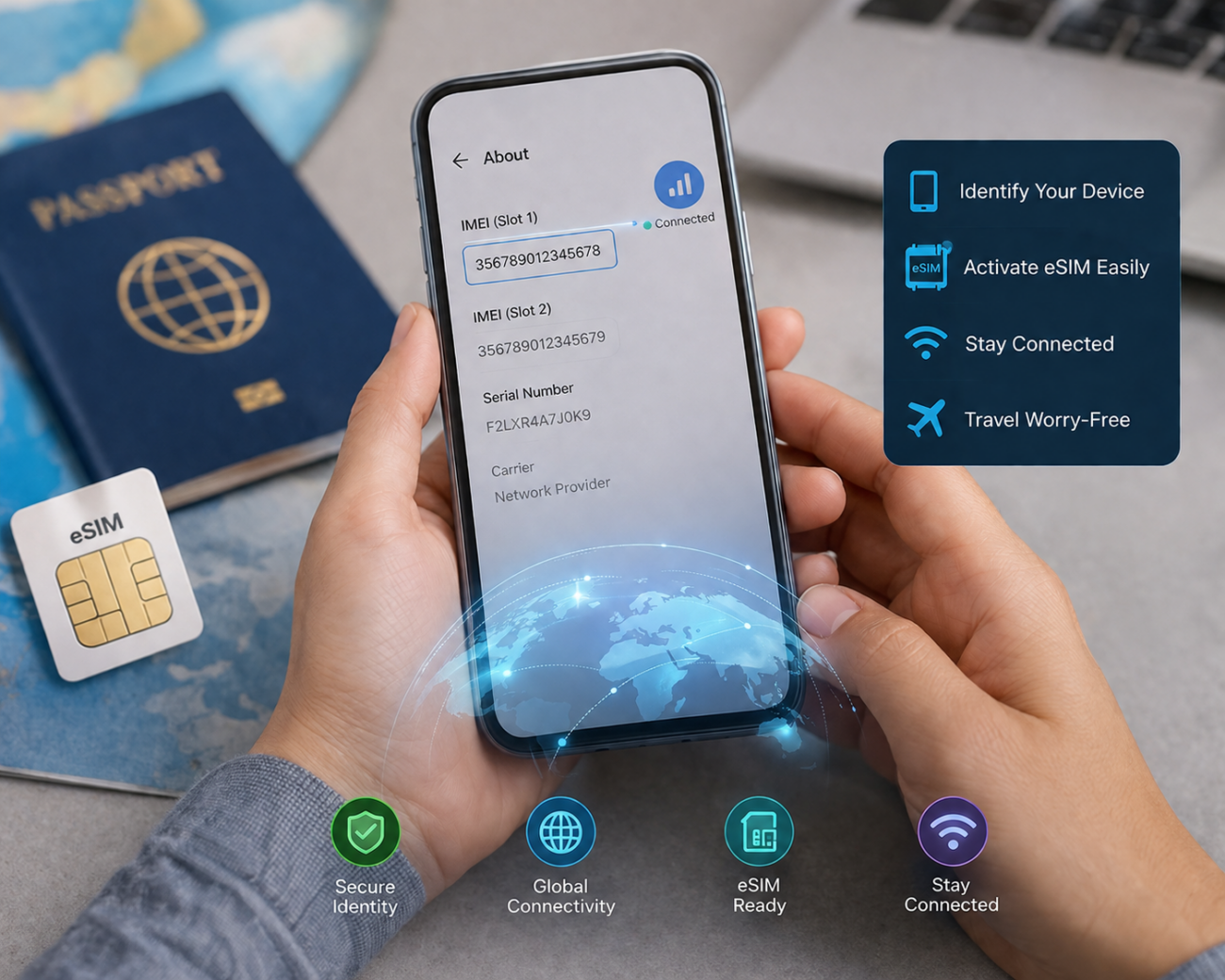
An IMEI number is a unique 15-digit code assigned to every mobile device, used by carriers to identify your phone on a network, verify it’s genuine, and block it if it’s lost or stolen. It’s not the same as your eSIM’s EID, though the two are often confused, and knowing the difference matters if you’re traveling with an eSIM. Below: what your IMEI is used for, how it differs from IMEI2, EID, and MEID, how to find it in under 30 seconds, and the security steps worth taking before your next trip.
What Is an IMEI Number?
IMEI stands for International Mobile Equipment Identity. It’s a unique identification number, similar to a car’s VIN, assigned to every smartphone, tablet, and mobile device at the point of manufacture. Carriers use it to identify a device on a mobile network, and it’s the number both carriers and law enforcement rely on to block a lost or stolen device from reconnecting.
Does the IMEI number contain personal data?
No. The IMEI identifies your device, not you. It’s baked in at manufacturing and carries no personal information, so sharing it (with your carrier, for example) doesn’t expose your identity.
What Is an IMEI Number Used For?
- Device activation and network compatibility: confirms your phone is genuine and compatible before it connects to a network
- Technical support lets your carrier instantly identify the exact model, manufacturer, and software version when troubleshooting
- Lost or stolen device protection: carriers can “blacklist” the IMEI, making the device unusable on major networks even if a thief swaps the SIM card
- Warranty and repair verification: confirms your device’s eligibility for repairs or warranty claims
- Buying a used phone safely running an IMEI checker before buying secondhand tells you if the device is blacklisted or reported stolen, essentially a background check for the phone
Can an IMEI Number Track a Stolen Phone’s Exact Location?
Not precisely, and it’s worth being accurate about this. The IMEI itself doesn’t broadcast real-time GPS coordinates. What carriers can do is approximate a device’s location based on which cell towers it last connected to, useful for narrowing down a search, especially alongside a police report, but it isn’t pinpoint tracking. The real protective power of an IMEI number is blacklisting: once reported, your carrier disables the device across most major networks, making it worthless to resell, which is usually the actual deterrent against phone theft.
Also read: Top Game of Thrones Filming Locations You Must Visit
IMEI vs. IMEI2 vs. EID vs. MEID: What’s the Difference?
This is where most guides stop short, and it’s exactly where eSIM travelers get confused:
- IMEI: the primary identity number for a physical device.
- IMEI2: on dual-SIM phones, a second IMEI assigned to the second SIM slot.
- EID (Embedded Identity Document) the identifier for your phone’s eSIM chip, not the device itself. If you’re activating a Commbitz travel eSIM, the EID (not the IMEI) is sometimes what confirms your device supports eSIM and is used during activation troubleshooting.
- MEID (Mobile Equipment Identifier) an older identifier used on CDMA-network devices. CDMA is now obsolete, so MEID rarely comes up on modern phones.
In short: IMEI identifies your physical device. EID identifies your eSIM. If you’re checking eSIM compatibility before a trip, see our guide on how to check if your phone supports eSIM rather than hunting for an IMEI number, since eSIM support is really about the EID and your device’s eSIM hardware.
How to Find Your IMEI Number: 4 Ways
- Dial the code. Open your keypad and dial *#06#. Your IMEI (and often IMEI2, if applicable) appears instantly on screen. This works on virtually any phone, regardless of brand.
- Check your settings.
- iPhone: Settings → General → About → scroll to IMEI
- Android: Settings → About Phone → Status/IMEI
- Look at the physical device or packaging. Many phones have the IMEI printed on the SIM tray, engraved on the back, or listed on the original box label.
- Ask your carrier. If your phone is lost or stolen and you can’t check it directly, your carrier keeps a record of your device’s IMEI on file.
IMEI Security Tips Before You Travel
- Write it down before you leave. Save your IMEI (and EID, if you’re using an eSIM) somewhere secure before an international trip; it’s much easier to report a lost device quickly if you already have the number.
- Check before buying secondhand. Run any used phone’s IMEI through a checker tool before purchasing, especially if you’re buying a travel device abroad.
- Report immediately if lost or stolen. Contact your carrier and local law enforcement right away; a police report often speeds up the blacklisting process.
- Know your EID too if you’re using an eSIM. For eSIM-related troubleshooting or if you ever need to transfer your eSIM to a new phone, your EID matters just as much as your IMEI.
When Will You Actually Need Your IMEI Number?
- Unlocking your device from a carrier
- Switching networks or providers
- Getting technical support or a repair
- Verifying a secondhand device before buying
- Reporting a lost or stolen phone
FAQs
What is an IMEI number in simple terms?
A unique 15-digit code that identifies your specific mobile device, similar to a car’s VIN. It’s used for network activation, theft protection, and technical support.
Is IMEI the same as EID?
No. IMEI identifies your physical device. EID identifies your phone’s eSIM chip specifically. If you’re setting up an international eSIM, your EID (not your IMEI) is what confirms eSIM compatibility.
How do I find my IMEI number quickly?
Dial *#06# on your keypad. Your IMEI number will display instantly, no app or settings menu needed.
Can someone track my exact location using my IMEI number?
Not precisely. Carriers can approximate a device’s location using the cell towers it last connected to, but the IMEI doesn’t provide real-time GPS coordinates the way many people assume.
Does my IMEI number change if I switch SIM cards?
No. The IMEI is tied to the physical device, not the SIM card, so swapping SIMs doesn’t change it. This is exactly why blacklisting works even if a thief inserts a different SIM.
Do I need my IMEI number to activate a Commbitz eSIM?
Usually, eSIM activation relies on your device’s EID and eSIM compatibility rather than your IMEI directly. Check our guide on eSIM compatibility before you travel to confirm your device is ready.